Interpreter for Mac and Windows
Captions for any call app on your computer, with no tab or screen to share.
Mac with an Intel chip? Download this versionRead the setup guide
The first time you open it, Windows may say it protected your PC. Click More info, then Run anyway. On a Mac, open System Settings, go to Privacy & Security, and click Open Anyway.
Interpreter
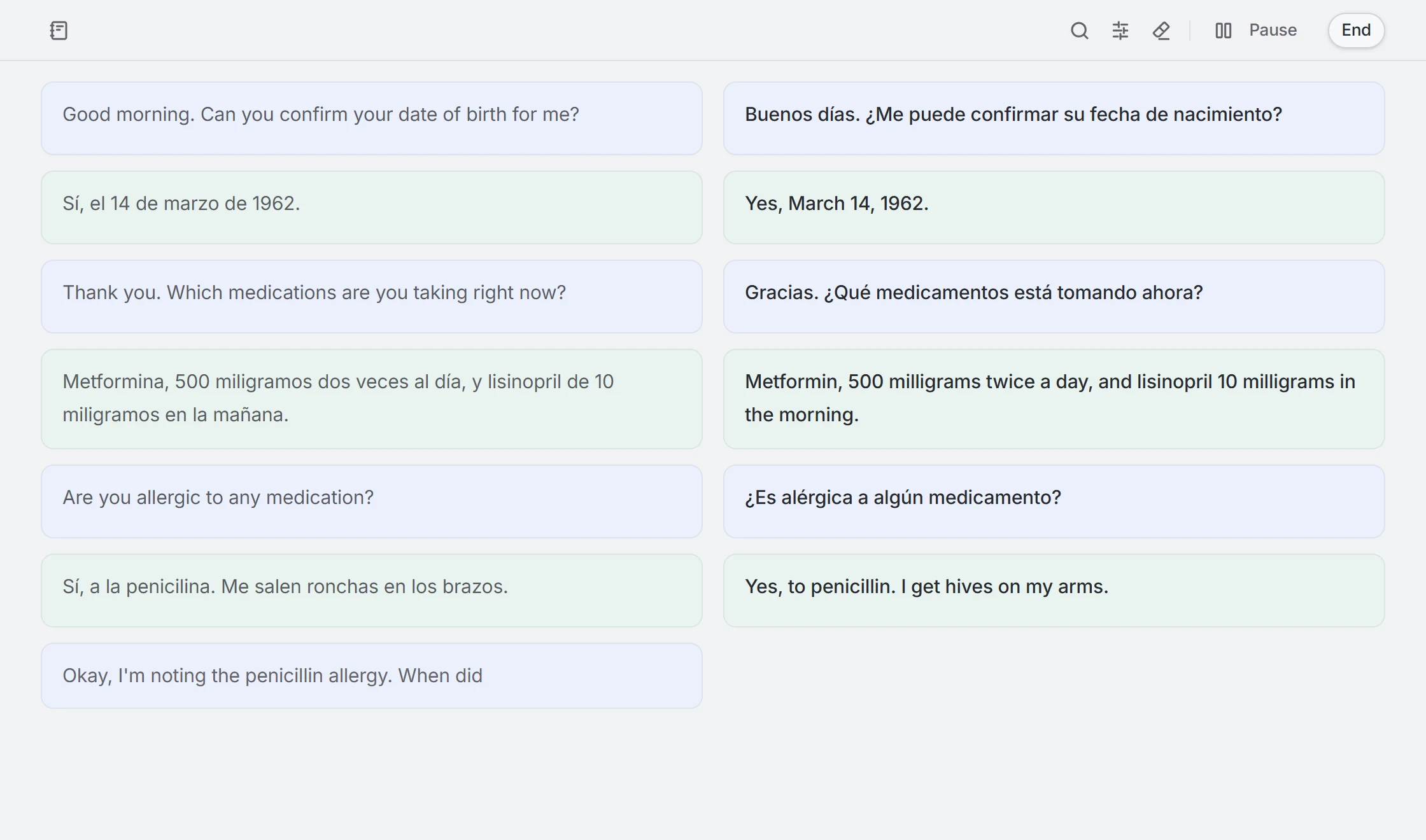
Interpreter
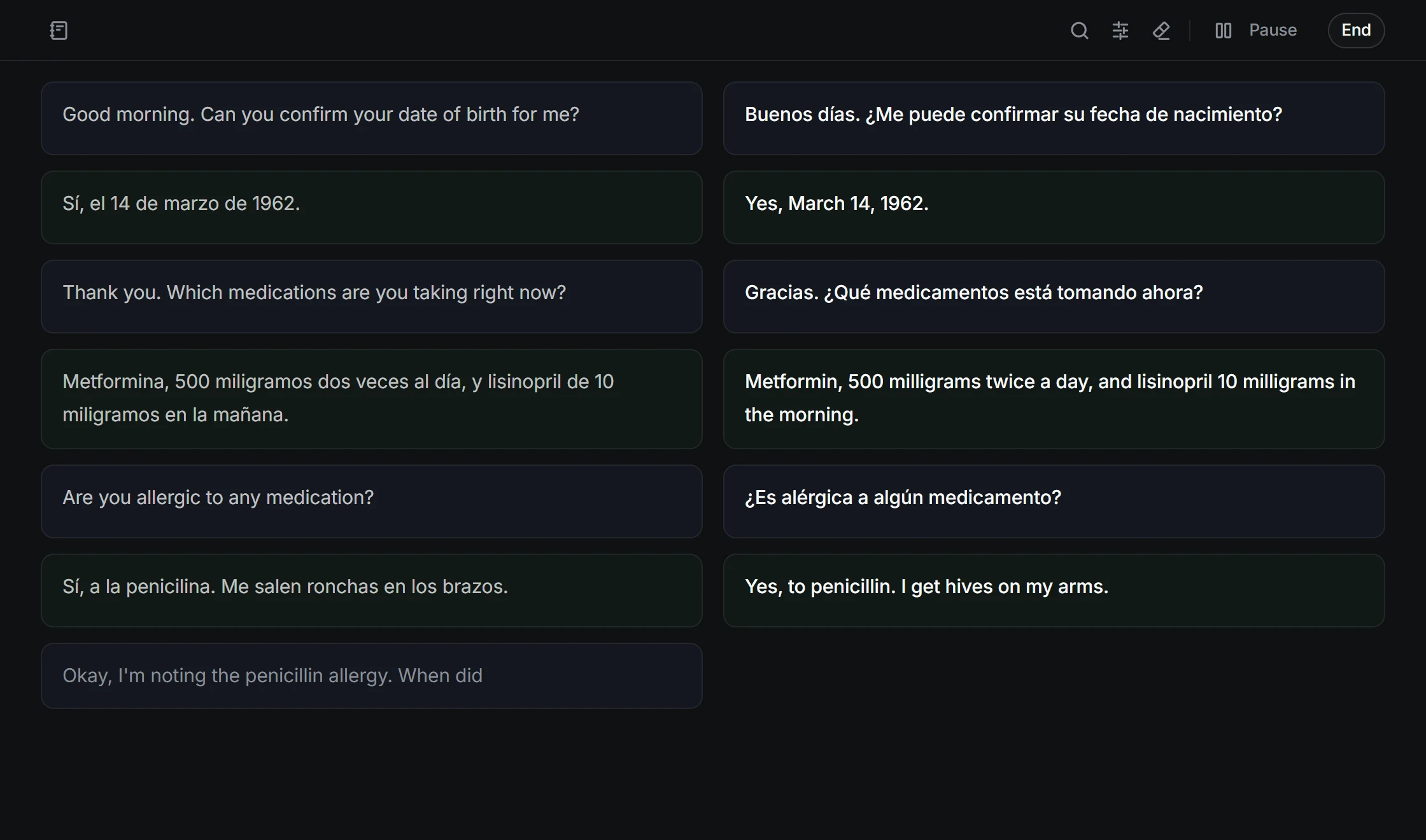
What it listens to
This computer's sound
Everything playing on it, like your call app.
Your microphone
For speakerphone and in-person conversations.
Both
What you need
- Windows 10 or later, 64-bit.
- macOS 14.2 or later, on Apple silicon or Intel.
- On a Mac, allow Interpreter to record system audio when it asks.
Built for medical and legal calls
Interpreter does not save audio, captions, or translations.



One account and one balance on every platform.